
Why she exists
Problems don't arrive all at once
They creep in. A disk fills a percent at a time. An SSD sheds reallocated sectors for weeks before it fails. A service dies on Tuesday; you notice on Friday. htop, smartctl and journalctl show you the moment you look. Joséphine watches the slow-moving signals you don't — and speaks up while it's still early.
Without her the day it catches up with you
- The disk fills mid-build — and the build dies at 3 a.m.
- An SSD logged SMART errors for weeks — you find out when a file won't open.
- A service stopped yesterday; you notice when something downstream breaks.
- The fan has been screaming for hours under a runaway process.
- Updates have piled up for months — including the security fix you needed.
With her a quiet word, days earlier
- “Disk at 85% on / and climbing. Here's what's taking the room.”
- “SMART reports reallocated sectors on nvme0. Back this disk up soon.”
- “nginx.service has been failed since 14:02. Want the last log lines?”
- “CPU pinned at 97% for 20 min. Nothing's broken yet — but here it is.”
- “42 updates pending, 3 security. No rush — but you'll want these.”
Notifications
What you'll actually see
No dashboard to keep watching. Just a native desktop notification, when it matters — plain-language, never alarmist, and always the exact command to go deeper.
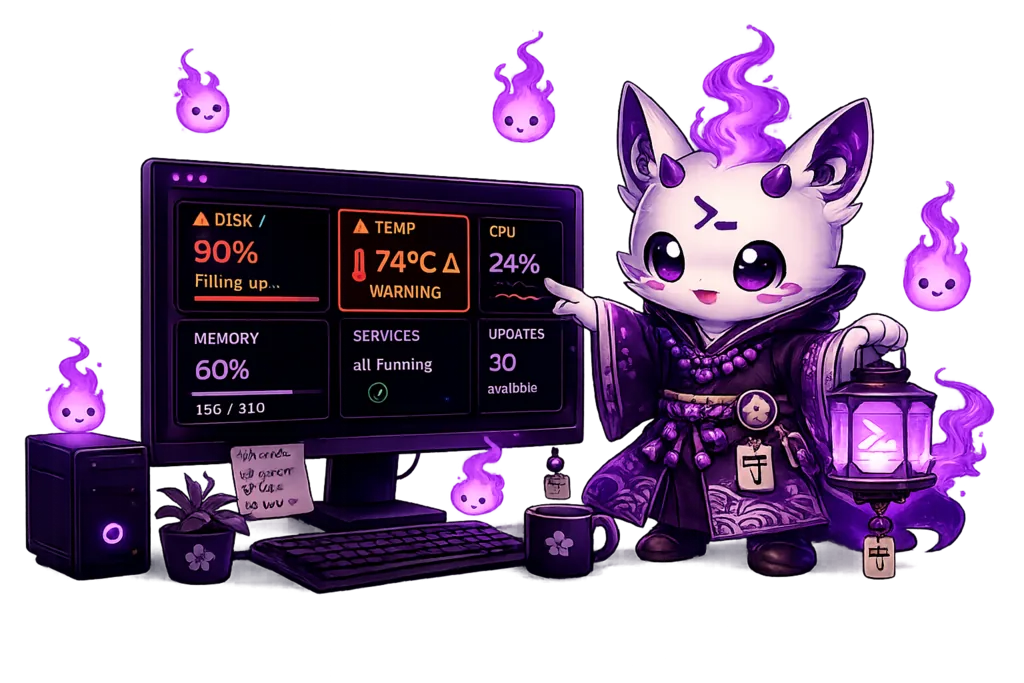
Disk usage reached 90% on /
Storage is filling up. See what's taking the room:
josephine doctor
SMART detected reallocated sectors on nvme0
This disk is showing wear. You should back it up soon.
josephine explain smart
nginx.service has stopped
Failed since 14:02. Joséphine shows you the command to bring it back:
josephine doctor
Everything is back to normal
Disk's back below the threshold. You didn't even have to look up — which is rather the point.
How she works
Useful interventions, nothing more
No dashboard for you to keep open — she reads the dials so you don't have to. One machine, one simple chain: from the hardware to a word you can act on.
josephine doctorWhat she watches
Fourteen vital signs
The way she sees it, she was sent here for one job — your machine — so she doesn't cut corners: fourteen checks, each independent, configurable, and read straight from the kernel and /sys. Together they cover the slow, quiet ways a machine drifts.

CPU
Sustained load, runaway processes
Memory
Pressure and swap thrash
Disk
Space per filesystem, and growth
Temperature
Thermal creep from /sys/class/thermal
Services
Failed systemd units
Updates
Pending apt / dnf / pacman
Network
Gateway reachability & latency
Battery
Charge health and wear
Inodes
Exhaustion before space runs out
SMART
Reallocated sectors, wear (opt-in)
Kernel
OOM kills and oops in the log
Filesystem
Read-only remounts
Clock
NTP drift and sync
Security
Recent failed logins
When you want the full picture
One screen, not a dashboard
Severity is carried by shape and colour — ● ok, ▲ attention, ✕ critical — so it reads even in a pipe. josephine doctor explains it check by check; josephine history shows 24-hour min / avg / max as sparklines ▁▂▄▇▅▃.
✦ Joséphine · diagnostic                        14:40
14 checks · 1 to look at
──────────────────────────────────────────────────
 ▲  Updates · attention                    30 available
    ▓▓▓▓▓▓▓░░░░░░░  apt: 30 package updates pending
 ●  Disk · ok                             21 %
    ▓▓▓░░░░░░░░░░░  « / » (btrfs) 195G / 937G · SSD
 ●  Kernel · ok                       0 incidents
    No kernel incidents in the last hour.

  What's left to do
    1. Apply them when convenient: `sudo apt upgrade`, `sudo dnf upgrade`.

 ✧ I point, you press. Nothing runs behind your back.
Commands
A small, honest toolbox
Everything Joséphine does starts from one clear command. None are hidden, and none touch the network unless you ask.
doctorDetailed diagnosis, check by checkhistory24-hour trends, min / avg / maxcleanReclaim disk spacestatusOne-screen summary of every checkreportDated plain-text report (--json)explainWhat each check watches, and whydaemon startThe background watcherInstall
Up in a minute
Grab a package from the latest release:
# Debian / Ubuntu
sudo dpkg -i josephine_*_amd64.deb

# Fedora / RHEL
sudo rpm -i josephine-*.x86_64.rpm
Prefer to build it yourself? cargo install --git https://github.com/systm-d/josephine josephine (Rust 1.85+). On Linux with Homebrew, brew tap systm-d/josephine https://github.com/systm-d/josephine && brew install josephine builds from source.
On NixOS or with Nix, Joséphine is a flake: nix run github:systm-d/josephine -- status to try her, or add her module and set services.josephine.enable = true (on NixOS or Home Manager) to run the daemon as a systemd user service.
To keep Joséphine watching across reboots, enable the bundled systemd user unit:
systemctl --user enable --now josephine
Joséphine is a guardian spirit, not a dashboard. She notices when your machine needs a hand, tells you plainly what it needs — and shows you the command rather than running it behind your back. For people who'd rather not have to keep an eye on it themselves.
Joséphine speaks English by default — set
language: frin the config for her French voice. The warm, direct tone is preserved in both.